
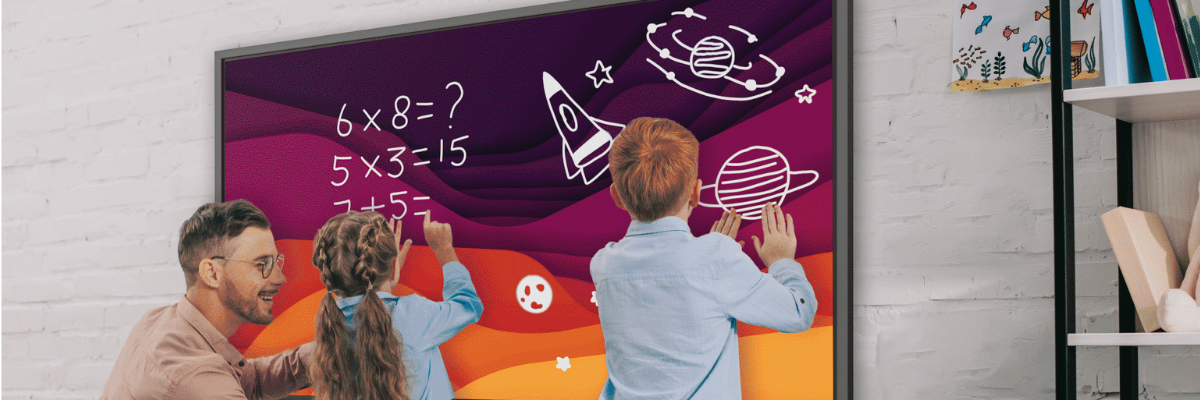
How to choose an interactive screen for your school
A Practical Guide for Modern Classrooms
Interactive screens have become a central part of teaching and learning in modern schools. They support more engaging lessons, improve collaboration, and make it easier for teachers to share content with students in real time.
At Simply AVS, we design and install interactive display solutions for schools, colleges, and multi-academy trusts across the UK. This guide will help you understand what to look for when choosing the right interactive screen for your classroom or education environment.
Why Interactive Screens Matter in Education
Interactive screens are more than just digital whiteboards. When chosen correctly, they can transform how lessons are delivered and how students engage with learning.
Benefits include:
- More engaging and interactive lessons
- Easier content sharing from teachers and students
- Support for hybrid and remote learning
- Reduced reliance on printed materials
- Better collaboration in group activities
- Improved accessibility for diverse learning needs
1. Screen Size – Choosing the Right Fit for Your Classroom
One of the most important considerations is screen size.
A screen that is too small can be difficult to see from the back of the classroom, while an oversized screen may dominate smaller teaching spaces.
Typical guidance:
- Small classrooms: 65” screens
- Standard classrooms: 75” screens
- Large classrooms or lecture spaces: 86” screens and above
The correct size depends on room depth, seating layout, and viewing distance.
2. Touch Technology and Responsiveness
A good interactive screen should feel natural and responsive to use.
Look for:
- Ultra-low latency touch response
- Multi-touch capability for group work
- Smooth writing experience similar to pen on paper
- Palm rejection to avoid accidental inputs
Teachers should be able to write, annotate, and interact without delay or frustration.
3. Ease of Use for Teachers
Technology in classrooms should support teaching, not complicate it.
The best interactive screens offer:
- Simple, intuitive user interfaces
- Quick start-up and shutdown
- Easy access to whiteboarding and lesson tools
- Compatibility with familiar software (Microsoft, Google, etc.)
- Minimal training requirements
If a system is too complex, it often goes unused.
4. Connectivity and Device Integration
Modern classrooms rely on multiple devices and platforms.
Your interactive screen should support:
- Wireless screen sharing (from laptops, tablets, and phones)
- HDMI and USB-C connectivity
- Cloud-based lesson access
- Integration with Microsoft Teams or Google Classroom
- BYOD (Bring Your Own Device) compatibility
This ensures flexibility for different teaching styles and setups.
5. Built-in Software and Teaching Tools
Many interactive screens come with built-in software designed specifically for education.
Useful features include:
- Digital whiteboarding tools
- Lesson annotation and markup
- Split-screen content viewing
- Screen recording and playback
- File import and export options
The right software can significantly improve lesson delivery and engagement.
6. Audio and Visual Quality
Clear sound and strong visual performance are essential for effective learning.
Look for:
- High-resolution displays (4K recommended)
- Anti-glare screens for bright classrooms
- Integrated speakers suitable for classroom use
- Wide viewing angles for all students
Good visibility and audio ensure every student stays engaged.
7. Durability and Classroom Safety
Education environments require robust, reliable equipment.
Consider:
- Tempered glass screens for durability
- Long operational lifespan (daily classroom use)
- Low maintenance requirements
- Safe mounting solutions
- Reliable manufacturer warranties
Interactive screens should be built to withstand heavy daily use.
8. Installation and Classroom Integration
A professional installation ensures your interactive screen works seamlessly within your classroom environment.
This includes:
- Correct mounting height and positioning
- Cable management for safety and appearance
- Integration with existing AV or IT systems
- Network configuration and setup
- Staff training and handover
At Simply AVS, we ensure every installation is fully tested and ready for use from day one.
9. Future-Proofing Your Investment
Technology in education continues to evolve, so it’s important to choose a solution that can grow with your school.
Look for:
- Regular software updates
- Expandable connectivity options
- Compatibility with future devices and platforms
- Strong manufacturer support
- Upgrade paths for additional features
Why Schools Choose Simply AVS
We work closely with schools, academies, and education trusts to deliver reliable interactive display solutions that support teaching and learning.
We provide:
- Full consultation and needs assessment
- Classroom-by-classroom design planning
- Supply and installation of leading interactive screen systems
- Integration with existing school IT infrastructure
- Teacher training and ongoing support
Final Thoughts
Choosing the right interactive screen is about more than just technology — it’s about creating a better learning experience for students and making teaching easier and more effective for staff.
At Simply AVS, we help schools select and implement the right interactive display solutions for their needs, ensuring long-term value and ease of use.
If you're planning an upgrade or rollout, get in touch with Simply AVS to discuss your school’s requirements.